Desertcart purchases this item on your behalf and handles shipping, customs, and support to Macau.
🎥 Elevate your video presence—because your image deserves the spotlight!
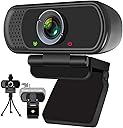
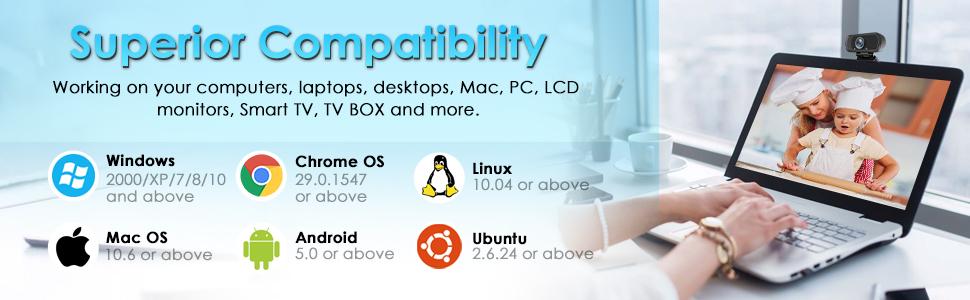
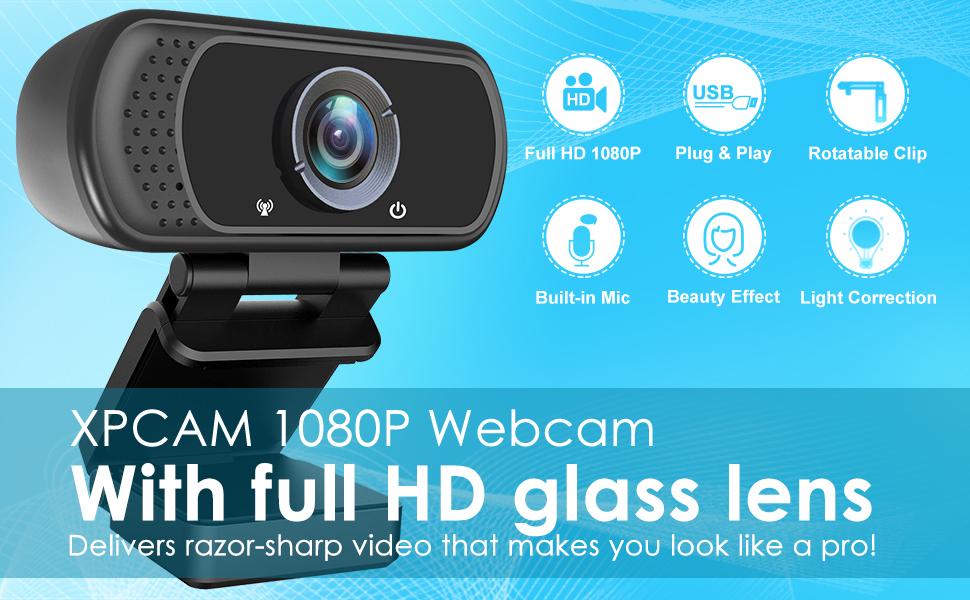
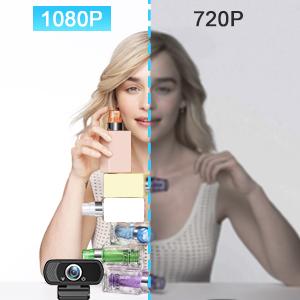
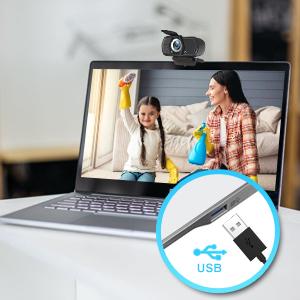
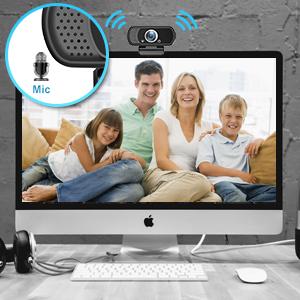
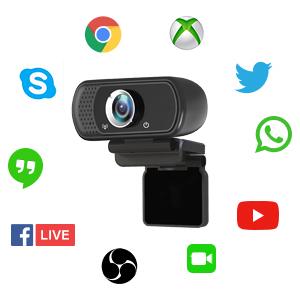
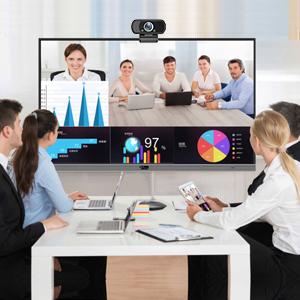
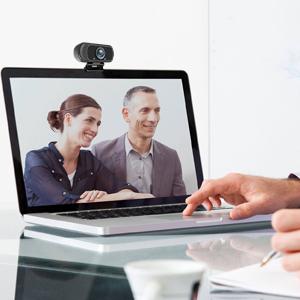
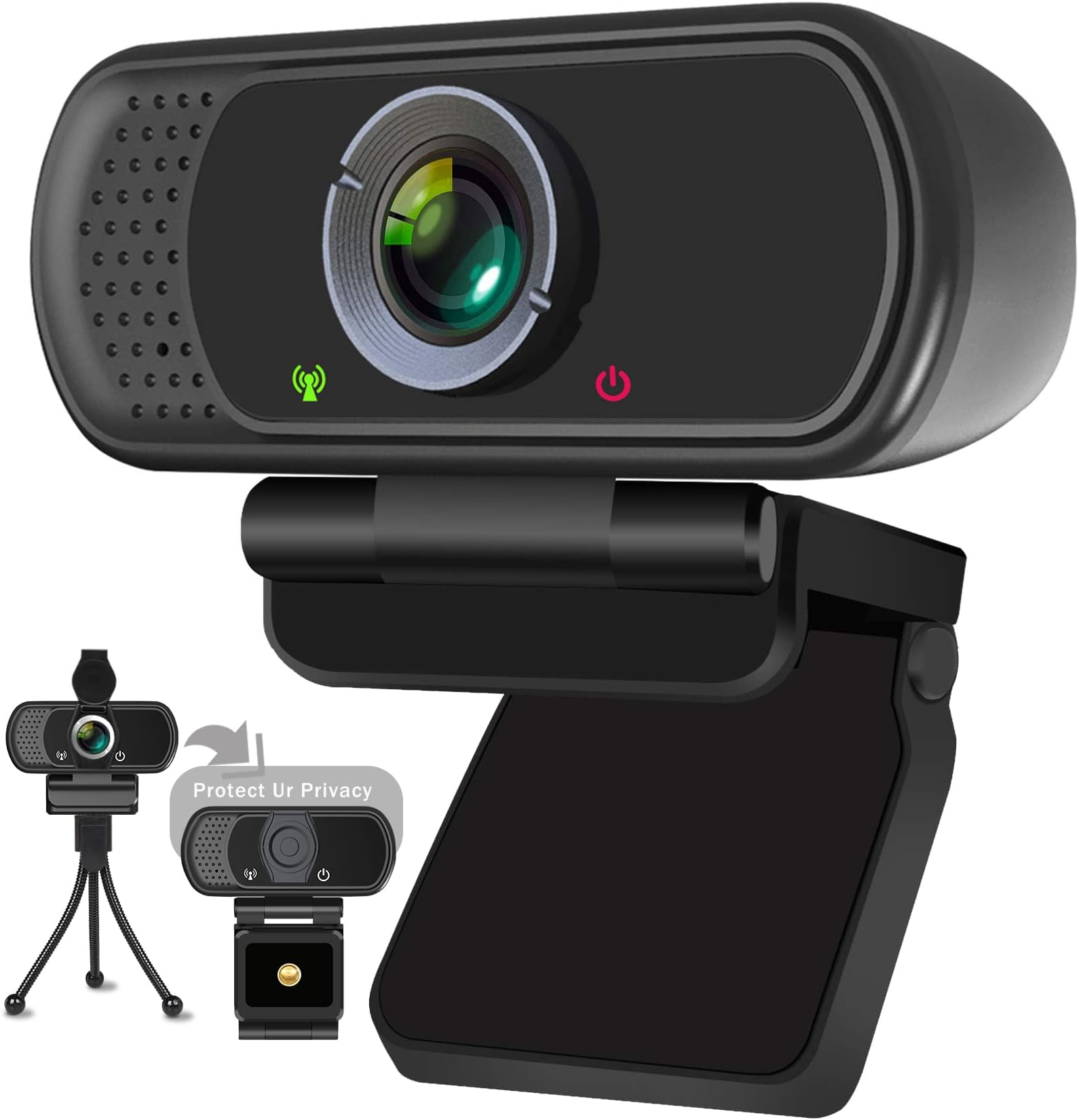
The XPCAM HD 1080p Webcam delivers professional-grade video with a full HD glass lens and HDR technology for natural lighting in any environment. Its built-in noise-canceling microphone ensures crystal-clear audio up to 10 feet away. Featuring a wide 110° field of view and universal clip plus tripod, it offers versatile mounting options. Plug & play USB connectivity supports multiple operating systems without extra drivers, making it perfect for streaming, conferencing, and online teaching. Privacy cover included for enhanced security.


| ASIN | B082X91MPP |
| Antenna Location | streaming, online teaching, video calling, recording, conferencing |
| Best Sellers Rank | #86 in Webcams |
| Brand | XPCAM |
| Built-In Media | Privacy Cover, Tripod, User Manual, webcam |
| Camcorder Type | Video Camera |
| Color | webcam for pc (black) |
| Compatible Devices | Laptop, Personal Computer, TV with android 5.0 system |
| Connectivity Technology | USB |
| Customer Reviews | 4.2 out of 5 stars 11,695 Reviews |
| Display Resolution Maximum | FHD pixels |
| Effective Video Resolution | 1080 pixels |
| Exposure Control Type | Automatic, Manual |
| File Format | h.264 |
| Flash Memory Bus Interface Type | SD |
| Flash Memory Speed Class | C2 |
| Flash Memory Type | Micro SD |
| Flash Memory Video Speed Class | V30 |
| Focus Type | Fixed Focus |
| Form Factor | Compact |
| Image Aspect Ratio | 16:9 |
| Image Capture Speed | 30 frames_per_second |
| Image stabilization | Digital |
| Item Dimensions D x W x H | 4.92"D x 2.95"W x 2.45"H |
| Item Weight | 4.05 ounces |
| Lens Type | Wide Angle |
| Manufacturer | XPCAM |
| Maximum Aperture | 2 f_stop |
| Maximum Focal Length | 40 millimeters |
| Minimum Aperture | 0.5 millimeters |
| Minimum Focal Length | 20 millimeters |
| Model Name | XPCAM |
| Model Number | N5 |
| Number of Speakers | 1 |
| Operating System | Windows |
| Photo Sensor Technology | CMOS |
| Screen Size | 2.7 inches |
| Sensor Type | CMOS |
| Shooting Modes | Automatic, Manual, Shutter Priority |
| Special Feature | H.264, Tripod Holder, image-stabilization, usb |
| Style Name | 1080P Webcam Black |
| Supported Audio Format | PCM |
| Supported Image Format | JPEG |
| UPC | 828217261379 |
| Unit Count | 1 Count |
| Video Capture Format | MPEG |
| Video Capture Resolution | 1080p |
| Video Resolution | 1080p |
| Viewing Angle | 110 degrees |
| Warranty Description | 1 year |
| Water Resistance Level | Not Water Resistant |
| White Balance Settings | Auto |
| Zoom | Fixed |
D**Z
Best webcam - we keep buying more
Best webcam - we keep buying more. During COVID, we started need\ding to buy lots of WEBCAMs for our clients. We selected this one and it has been a bet seller ever since. We keep buying more because it is an excellent webcam, simple to you with a single USB cable to plug in and it just works for your clients Y
D**.
Great camera. Easy to use and setup. Inexpensive but not cheap. Buy it if you need it.
I bought this camera to mount on a 3D Printer so that I can always view my prints. It is working perfectly for that. Very compact. I love the little tripod it comes with too. I'm using it for other purposes but it fits everything I connect to it well and feels study. Camera itself feels good, has a good output, and picks up voice fairly well. I used it to record a review video and the quality was on par with my others that were a little more expensive. Clear quality, clear indicators so you know when it is on or off for privacy reasons so it has security/privacy in mind, easy to install (plug and play - no drivers if your computer is modern) Great deal for the price. Will probably by more when the need comes. Buy it if you need it.
R**B
Very good picture quality
I bought this camera so I can keep my MacBook Pro cover closed to save room on my desk and make use of my large, curved monitor. As a pure camera, it works great and the set up was simple. I use Zoom and MS Teams for most of my video calls, and this camera was easy to find/configure with both of those apps. My only negative is the sound quality. When you use the camera, it also forces you to use the built in mic. I'd rather use my MacBook mic, but it won't let me when I use the camera. And the sound quality is a lot thinner and tinny. With Zoom I could enhance the sound a bit, but it's less quality than the MacBook provides. A nice addition is the flip cover, so you can maximize your security and blind the lens when you don't want it operational.
U**T
Quick setup and clear images
This webcam delivers great images that are clear and has a nice adjustable stand that can be used on any flat surface if you don't want to attach it to your monitor. The privacy cover attaches easily and blocks unwanted viewers when not using the camera. The sound quality is excellent. Echo cancellation is disabled on the dashboard, but can be corrected by moving the webcam away from other electronic devices. The long cord makes it easy to find the perfect spot. Works well with Zoom Workplace for PCs.
M**O
DONE WASTING TIME??? Read
Real talk, Real thoughts, Real Reviews, ALWAYS! Hey if you need one of these cameras don’t go down the rabbit hole looking and scrolling and scrolling and spending hours wasting your time looking just grab this one it works. It looks good and compact great quality all the other crap you want in a camera just giving it to you the way it is I could call it budget friendly but let’s be real about it. It’s cheap. That’s why we want it cheaper. At least that’s how I am but cheap doesn’t mean no good or poor quality has very good quality very good function and works perfectly. Couldn’t ask for a better product especially at this price anyways there’s my thoughts and opinions on this.
A**E
Budget camera. Image quality fair
I’ve owned this camera for slightly over a year now. The image quality is decent, but since it’s not a high-end camera, don’t expect anything extraordinary. Interestingly, the camera automatically turns off even with a slight touch or movement near the neck of the camera. I’ve checked for any loose connections, and everything seems to be in order. However, I suspect there might be a chip issue inside the camera that causes it to turn off occasionally. Fortunately, this isn’t a major problem for me because I can simply disconnect it from the USB port and reconnect it, and it will start working again.
A**X
Terrible mic, inconsistent video
Generally, this webcam has worked fine when using it for about 30 minutes at a time, but after that it either is marked as "USB device malfunctioned" or the video starts strobing and being completely unusable. After this happens, I have sometimes been able to fix it by unplugging the USB and plugging it back in, but more often than not, it just doesn't work at all as a video source. Also worth noting is that when I took the privacy cover off, it would take a few seconds to shift the lighting away from being a deeply purple saturated color. I am also not convinced that the video is 1080p, as it has nearly always been grainy enough that I could easily see the pixels especially around the edge of my face. The microphone is low enough quality that I have been informed nearly every time it defaults to being the audio source for my computer, and I have to manually change the source to my headphones which have a reasonably good microphone or built in computer audio when on my laptop. The first comment I got after getting the webcam was that it sounded like I was underwater. The microphone has been an issue since day 1, and the video worked for probably a month or 2 before starting to malfunction, being used at most once a week. The main redeeming quality is that the price was low enough that I don't feel terrible for having wasted $20 now that I'm going to buy another camera.
D**B
This is an excellent web cam.
It is easy to install -- just plug and play. The image quality is good. I do not know about the sound quality, but I can tell you the microphone does work. It is small and light weight. It fits nicely at the top of a desktop monitor. I taped it to the top of the monitor for added stability. There is no ON/OFF switch. If it is plugged into a USB-A female port, it is ON with a red light on the monitor. The camera must be turned on in some software & in your computer. I used Zoom. When the camera is ON, a green light illuminates on the camera. You can set it up and test it on Zoom without having a meeting. Create a Zoom account (for free), log in, go to SETTINGS at the top right, click on Video & Audio, and test your web cam. The plastic hood on the lens does not work well. The tripod that comes with it is too small and unstable to be of much use.
Trustpilot
1 month ago
1 month ago