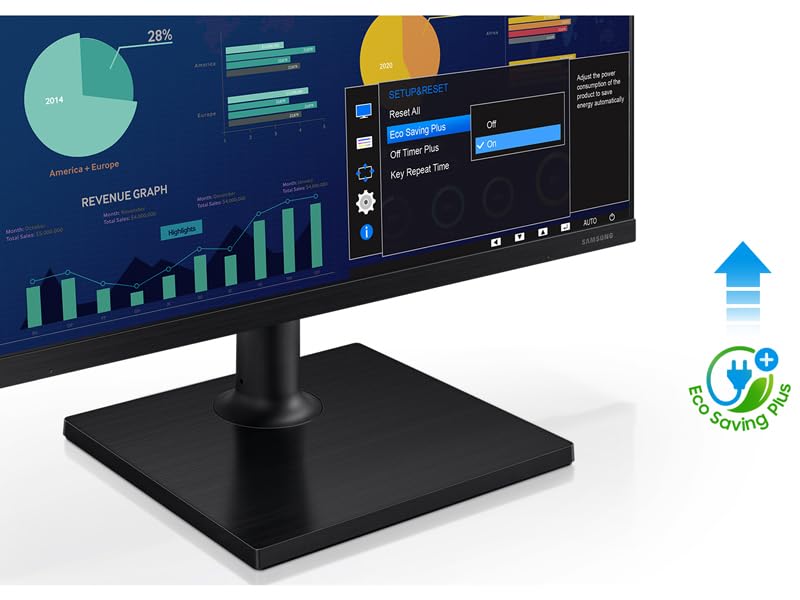
🚀 Elevate your workspace with seamless style and pro-grade clarity!
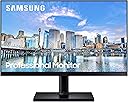
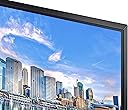
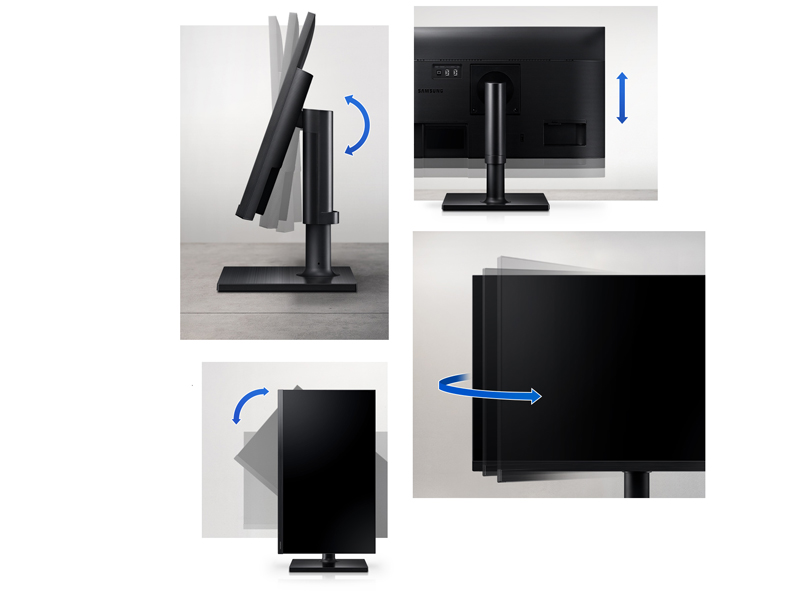
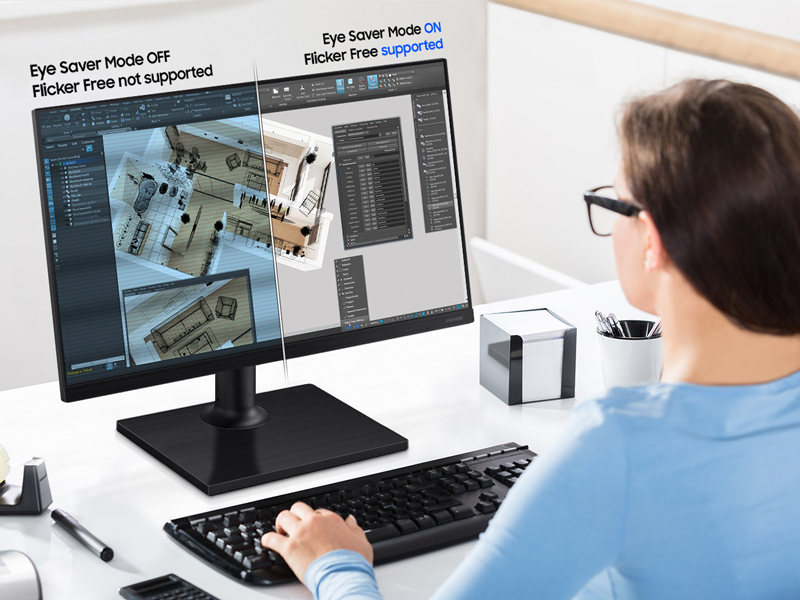
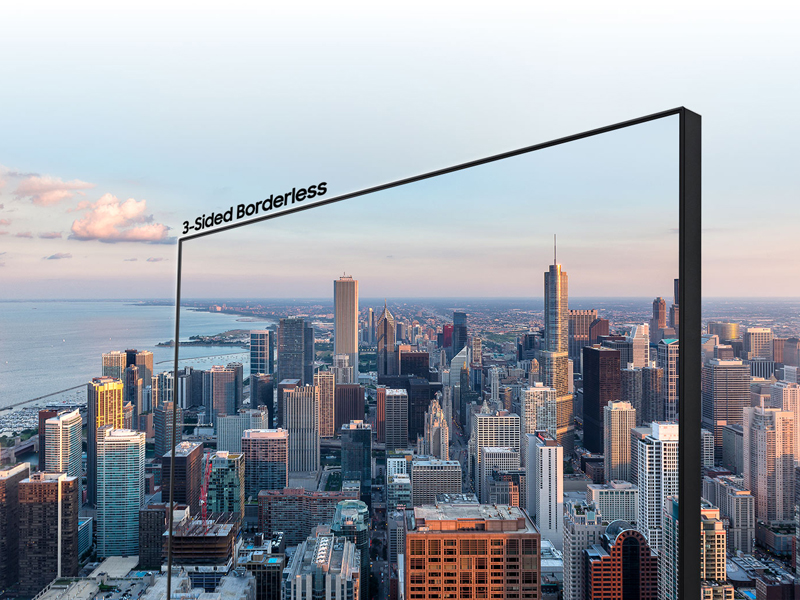
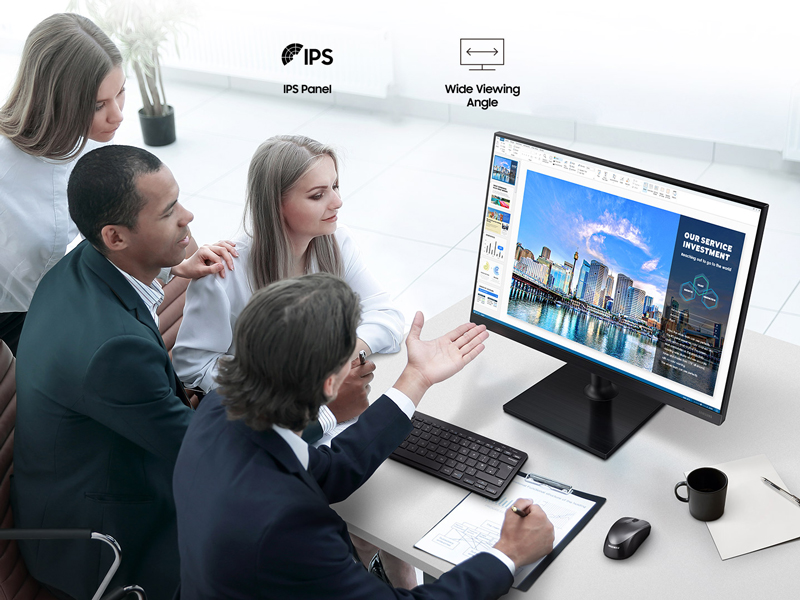
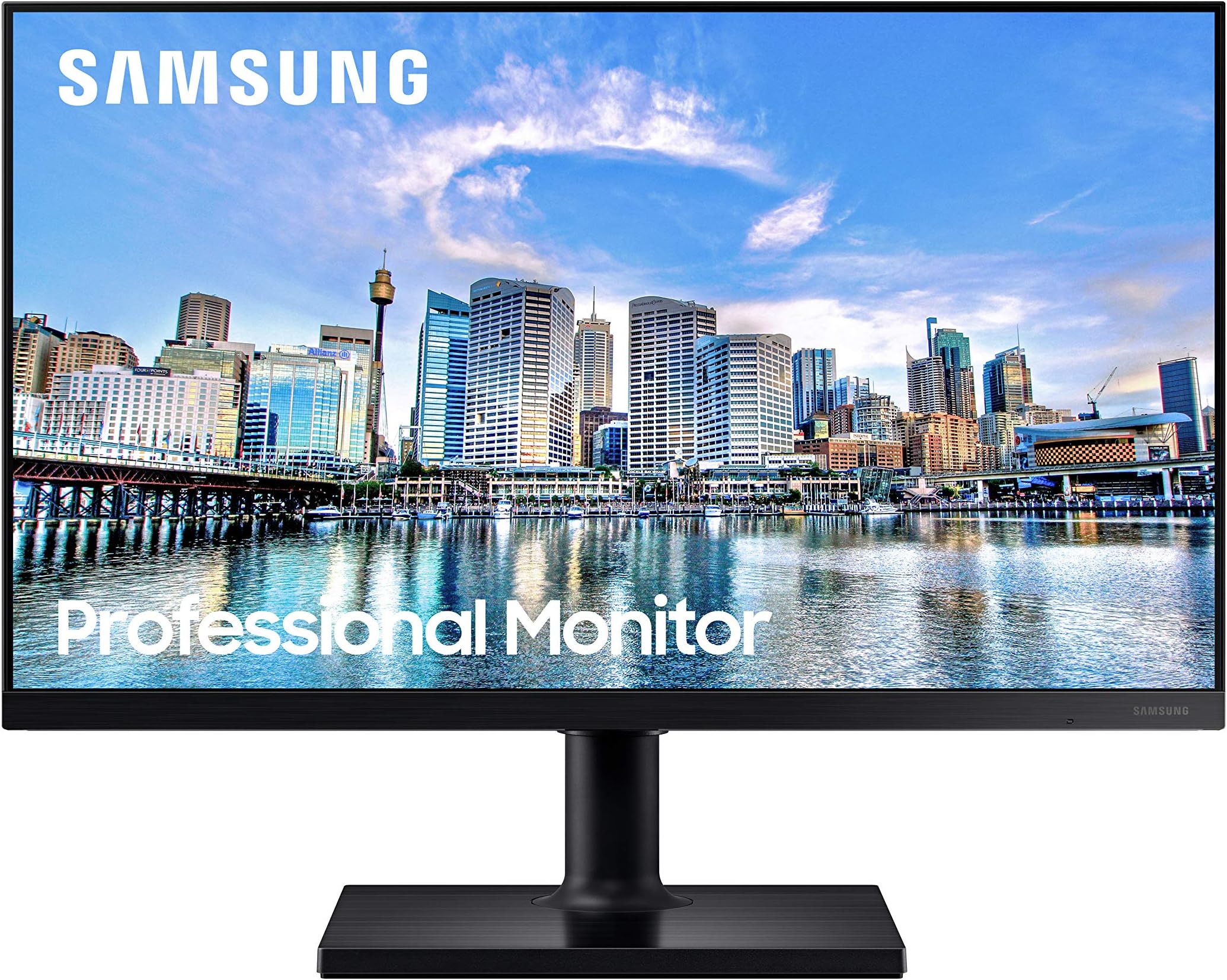
The Samsung Business FT452 Series 22-inch monitor delivers vibrant Full HD visuals with an IPS panel and 75Hz refresh rate, perfect for professional multitasking. Its ultra-thin bezels enable sleek multi-monitor setups, while versatile connectivity options (2 HDMI, DisplayPort, USB hub) support diverse devices. Ergonomic adjustments and eye-care technologies ensure comfort and reduced strain during extended use, making it an ideal choice for business environments seeking style, performance, and productivity.


| ASIN | B08CM6JKYT |
| Adaptive Sync | FreeSync |
| Additional Features | Anti Glare Screen, Flicker-Free, Height Adjustment, USB Hub, Wall Mountable |
| Aspect Ratio | 16:9 |
| Best Sellers Rank | #75,170 in Electronics ( See Top 100 in Electronics ) #1,656 in Computer Monitors |
| Brand | Samsung |
| Brightness | 250 cd/m² |
| Built-In Media | 2 x HDMI, Display Port,2 x USB hub |
| Color | Black |
| Color Gamut | 0.72 |
| Compatible Devices | Desktop |
| Connectivity Technology | DisplayPort, HDMI, VGA |
| Contrast Ratio | 1000:1 |
| Customer Reviews | 4.4 out of 5 stars 418 Reviews |
| Display Resolution Maximum | 1920 x 1080 |
| Display Technology | LCD |
| Display Type | LED |
| Hardware Connectivity | DisplayPort, HDMI, USB 2.0, USB 3.0 |
| Has Color Screen | Yes |
| Image Contrast Ratio | 1000:1 |
| Item Dimensions D x W x H | 8.3"D x 19.2"W x 12.8"H |
| Item Type Name | Computer Monitor |
| Item Weight | 7.7 Pounds |
| Manufacturer | Samsung |
| Model Name | F22T452FQN |
| Model Number | F22T452FQN |
| Mounting Type | Wall Mount |
| Native Resolution | 1920x1080 |
| Number of Component Outputs | 3 |
| Picture Quality Enhancement Technology | IPS, Eye Saver Mode, Flicker Free |
| Refresh Rate | 75 Hz |
| Resolution | FHD 1080p |
| Response Time | 5 Milliseconds |
| Screen Finish | Flat |
| Screen Size | 22 Inches |
| Screen Surface Description | Flat |
| Series Number | 452 |
| Shape | Rectangular |
| Specific Uses For Product | Business |
| Total Number of HDMI Ports | 2 |
| Total USB 2.0 Ports | 2 |
| Total Usb Ports | 2 |
| UPC | 887276459035 |
| Unit Count | 1 Count |
| Viewing Angle | 178 Degrees |
| Warranty Description | 3 year manufacturer, ship-in service, Dedicated B2B call center, Extended warranties available |
C**N
Just what I needed for myFlight Simulator rig
After receiving a very welcome birthday gift of MS Flight Simulator 2020, my MS Flight Simulator X era computer setup could not handle the pressure and after many efforts of patching the deficiencies, I ended up having to buy a new (Amazon Renew) HP Z240 computer that could handle the power of MSFS 2020. But, my two odd, unmatched ASUS & AOC monitors just could not be color matched with their onscreen settings. Continuous browsing on Amazon turned up the Samsung Business FT452 Series 22 inch 1080p 75Hz IPS Computer Monitor discounted by 50% down to $104.99. I had to get it (x 3!) so I hit the buy button, fully prepared to get cold feet and cancel in the cold light of the following day! The $69 gift had already cost me over $700 for the computer! I hung on, saying that I can always send them back if I get cold feet, already realizing that I was probably already hooked. I was right, the following day when they arrived, I set them up with my new computer and there was not even the slightest possibility that I would or could send them back. I had the perfect Simulator surround screen cockpit and I was hooked! The three Samsung screens color-match perfectly and with their 1/8" bezels give a seamless view of the Flight Simulator world. From the comfort of my den here in Northern California I have revisited nearly all the exotic places we had the privilege to visit in the past. I even built the custom platform to raise the monitors above my desk that you can see in the picture above. Now they don't even interfere with my normal desktop clutter and daily mess! My son's generous gift turned out to be extremely expensive, but I got a great system, great bang for my buck and so much enjoyment learning to fly again and explore the world from my desktop! Thank you John, and thank you Amazon (sort of)!
J**N
Check the power connection!
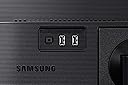
Getting the monitor to turn on was a nightmare! I asked for help and got suggestions. There is only one button on the monitor so it should have been easy. The power cord is set up in an awkward spot and it needs to be finessed into place or you'll go through my nightmare! Once I finally got it working it has a good picture and works well. I'll hold off on recommending until I've had for a couple of months.
A**C
Excellent short of the cord
I have the 2020 version of this and it has been going strong for years. My only gripe about the monitor is that in the 2020 the power cord goes on the far right ( when looking from the rear) this coupled with the short power cord makes using it in profile(?) mode (not landscape like normal) extremely difficult. The already short court unable to reach any direct outlet or even a ups set up for my entire station
L**N
Samsung Monitor
This monitor was purchased to replace my old Samsung Syncmaster 2220WM, which has served me well over 11 years now. Picture quality on the new one, F22T45, is excellent and updated innards will be compatible with my new MacMini. My only gripes are that the screen size is misrepresented on the Amazon information as being 19.2"x12.8", when in fact it is really 19.2"x10.75". My Syncmaster was 18.75"x11.75", so I was surprised at a slightly shorter screen than advertised, and shorter than the one it is replacing. The only other gripe is that there was no indication that it had been delivered - no doorbell, phone call, or message. With porch pirates running rampant here, it was fortunately discovered safe on my carport at some time after delivery.
P**L
Exactly what I was after
I just needed a decent second monitor. I had been through 2 others, and the colors never matched what I was after, even after messing with the settings. This Samsung took two adjustments in the settings, and immediately gave me the picture I needed to match my main.
N**N
Just what I needed
Works for me and my daily work. Nice monitor for the price.
R**R
Love
Love it
R**N
pivoting limitations
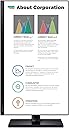
BEWARE IF YOU DO NOT USE A MS WINDOWS PC WITH THIS MONITOR! After setting this monitor up, I learned from a Samsung rep that it will NOT automatically pivot when connected to a non-MS Windows PC. The Samsung support rep informed me that you would need to go into the operating system settings and manually change the orientation EACH TIME you want to change from landscape to portrait orientation and vice versa. Also, you must tilt the monitor before pivoting it, as the base interferes with the monitor when pivoting. Also, the power cable is just 4 feet long. I guess they saved one dollar in manufacturing costs this way.
J**.
Bueno, bonito y barato
Tiene algunas fugas de luz, pero por el precio puedo decir que es calidad-precio Tiene una buena representación de colores
N**E
Purple line through the monitor.
Line appeared down the screen after only a little bit of use, shortly after receiving and setting up the package.
A**S
Bueno a medias. Píxeles muertos.
Viene dañado de fábrica, con píxeles muertos y fugas de Luz en los bordes. Decidí no devolverlo porque no es algo que me afecte mucho a la hora de programar o jugar.
O**Z
Buena imagen pero con imperfección en la misma
En general está bien. Solo que ami me llego con una inperfección en la pantalla, como de golpe interno
Trustpilot
3 weeks ago
1 month ago