Desertcart purchases this item on your behalf and handles shipping, customs, and support to Macau.
๐ฑ๏ธ Keep your cursor moving, your productivity grooving!
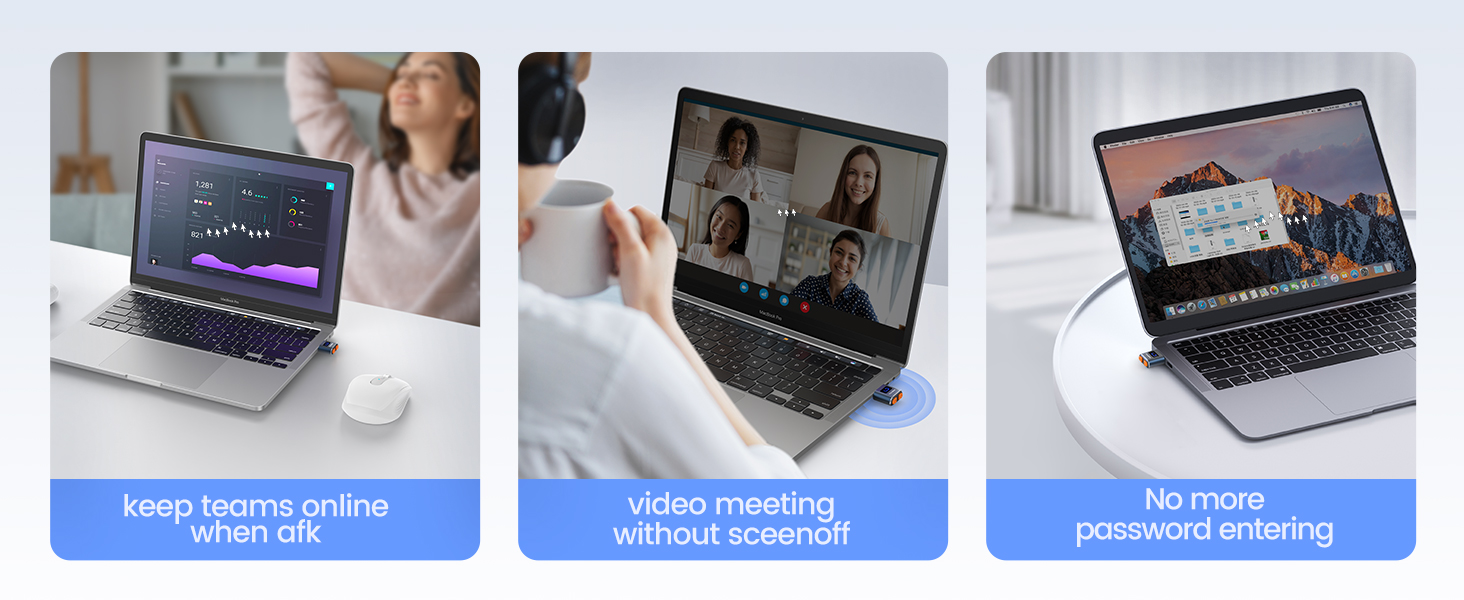
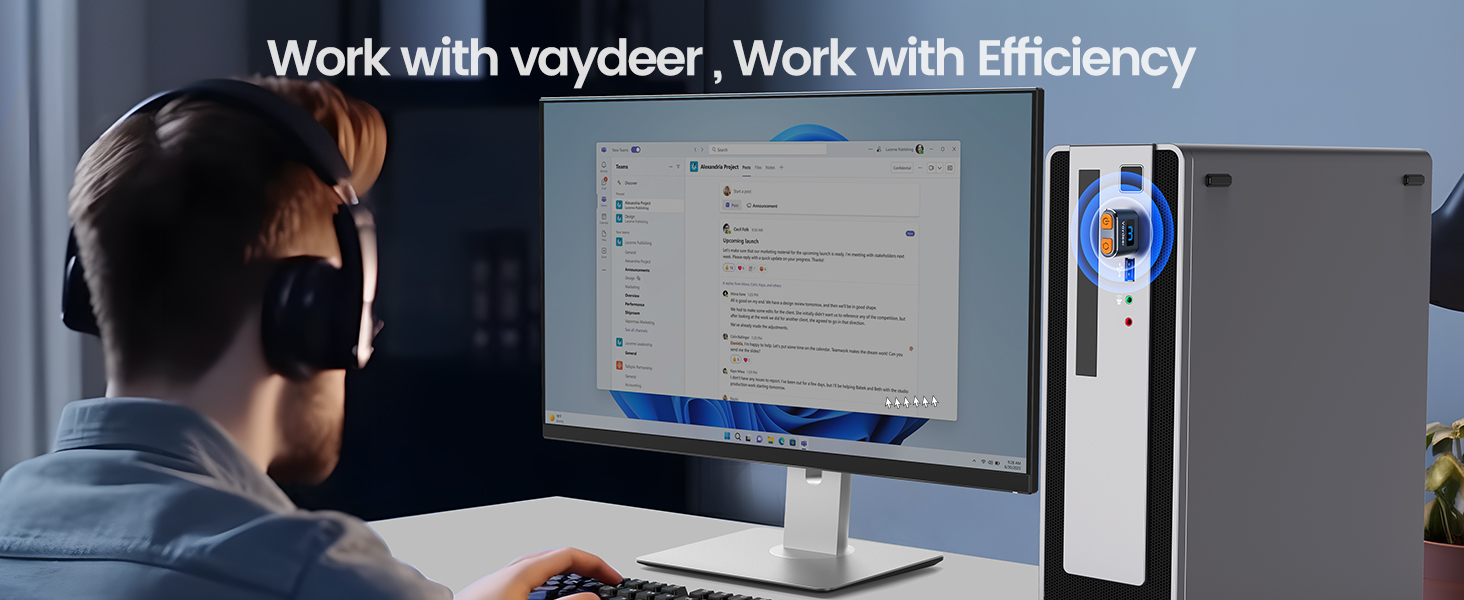
The Vaydeer Tiny Mouse Jiggler T3s is a compact, premium aluminum USB device designed to simulate natural mouse movements with three randomized tracks. Itโs 100% undetectable by IT systems, driver-free, and compatible with all major operating systems and mouse types. With a sleek metal shell and a 6-year warranty, itโs the ultimate stealth productivity enhancer for professionals who want to stay active and connected without missing a beat.


| Additional Features | premium metal shell, longer life span, 100% undetectable, 3 random and natural tracks |
| Antenna Location | Office |
| Are Batteries Included | No |
| Are Batteries Required | No |
| Asin | B093WN48SD |
| Best Sellers Rank | #442 in Computer Mice |
| Brand | Vaydeer |
| Button Quantity | 1 |
| Color | Black |
| Compatible Devices | Personal Computer |
| Connectivity Technology | USB |
| Customer Reviews | 4.4 4.4 out of 5 stars (4,875) 4.4 out of 5 stars |
| Enclosure Material | Plastic |
| Hand Orientation | Ambidextrous |
| Hardware Platform | PC |
| Item Dimensions L X W | 0.97"L x 0.74"W |
| Item Weight | 0.1 Grams |
| Manufacturer | VAYDEER |
| Mfr Part Number | FM701-UK |
| Model Name | Mover T3s |
| Model Number | Jiggler de souris en mรฉtal |
| Movement Detection | Optical |
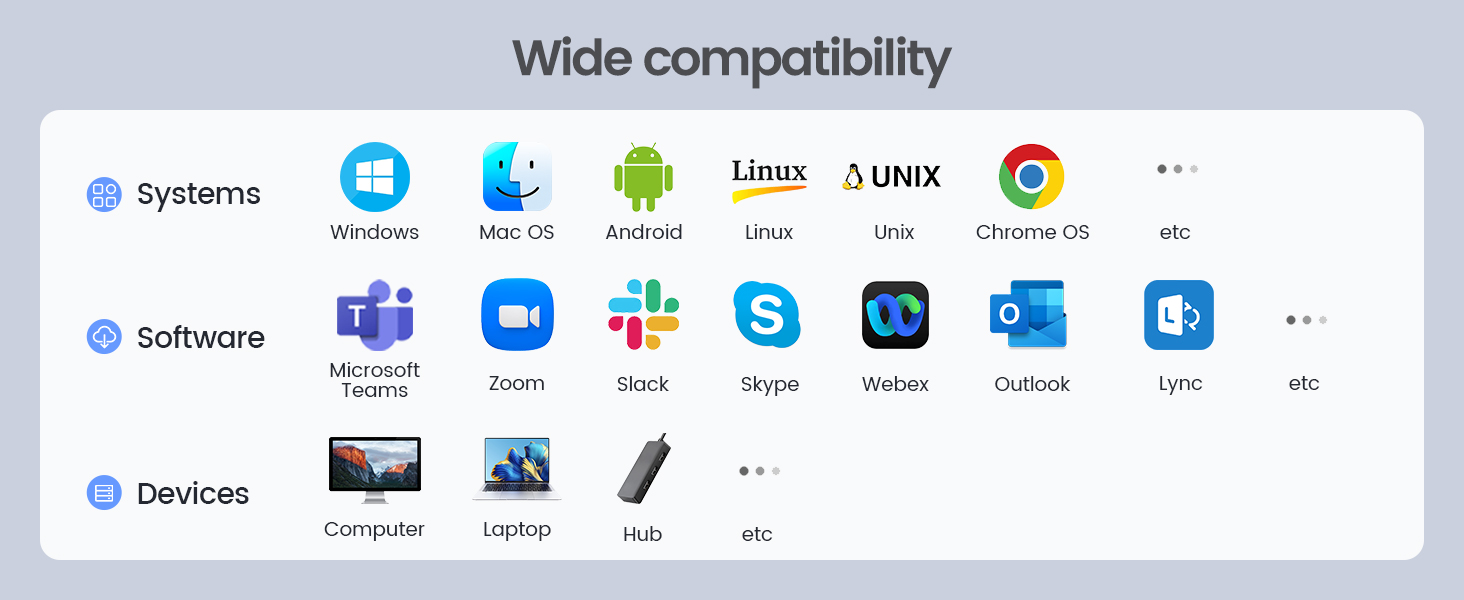
| Operating System | Chrome OS, Linux, Mac OS, Unix, Windows |
| Power Source | Usb |
| Range | 3.0 meters |
| Style Name | 1 button |
| Unit Count | 1.0 Count |
| Warranty Description | 6-Year Warranty |
User
Essential Peripheral for Remote Workers: It Works When You Don't Want To!
If you work remotely, you worry how it's going to look when you haven't touched your mouse in a while and people can see by your status on Teams or Slack that you aren't active at your desk, working. What about those times during business hours when you need to take a nap or just otherwise want to LOOK like you're working?The mouse jiggler is your answer. Plug it into a USB port, and it should install without drivers. Press/Hold its button for a full second or two. The blue light comes on, indicating it's active. Notice how your mouse pointer reacts. It's moving, as if by magic. Press the blue button until you find the setting where the mouse limits its movements to 1 pixel up, 1 pixel left, over and over again.It's hard to accurately gauge just how much this little beauty pays for itself in terms of employee freedom and stress reduction. It also keeps your sessions from timing out when you actually are in work mode, so you don't have to keep logging in. Big kudos to the person who invented it.It goes undetected by corporate IT. Even if your USB ports are locked down to data thumb drives, this mouse jiggler will still work.Really, the only risk is forgetting to Press/Hold the blue button at the end of your work day (when YOU decide to stop working) to turn it off. If you forget and keep it on, activity logs could potentially show that you are working around the clock, and that might raise questions.GET ONE! (They also make great stocking stuffers.)
User
VAYDEER Tiny Mouse Jiggler USB
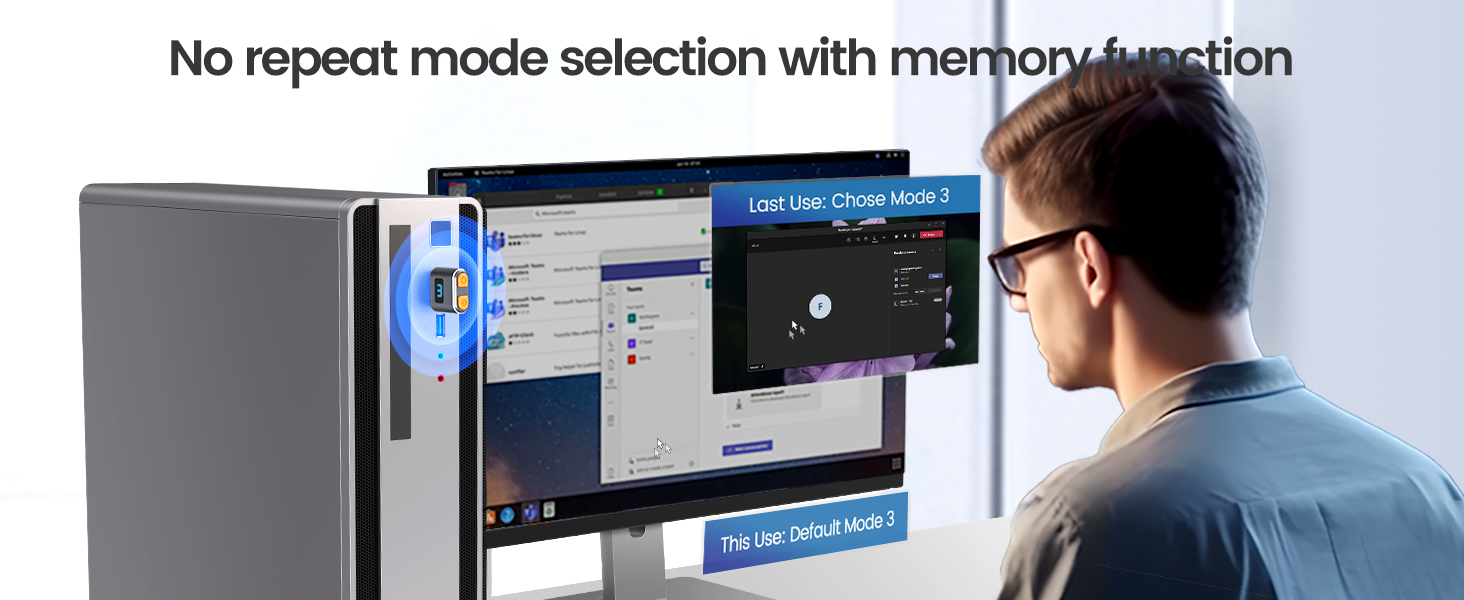
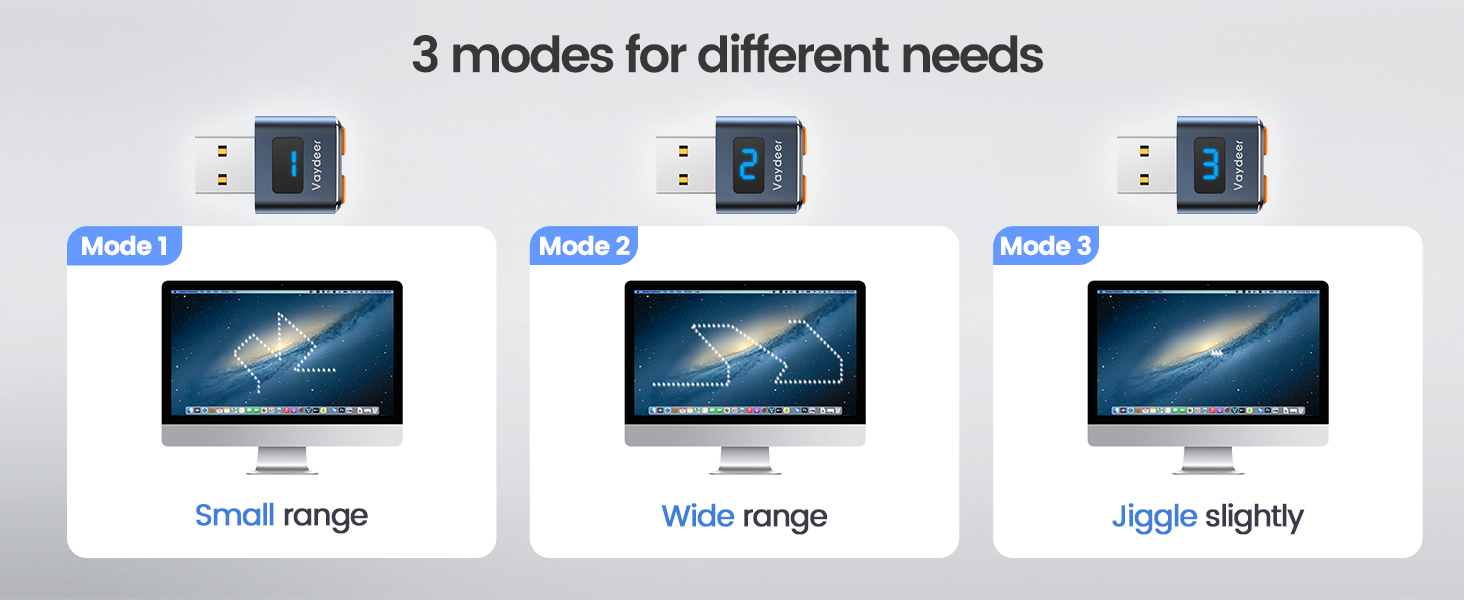
Received Oct 25/22. It's been about a week now. Works great!!! I leave it plugged in to my PC. To turn it on, you have to hold the button for about 3 seconds. Once on, there are 3 settings of how you want your mouse to move. I use setting #3. Just press the button for a second for setting #1 , then again for setting #2, then again for setting #3. You will notice that setting #3 moves the mouse very little. The other 2 settings the mouse move around a little too much for me. Microsoft Teams stays on , no matter how long you are away from your PC. Another nice thing is, when it's on setting #3, once you return to your PC and press a key, it just resumes as normal. Note: if you completely turn off your PC , the jiggler turns off, you have to turn it back on. When I am done working for the day , I also turn the jiggler off. Then in the morning I turn it back on. This jiggler is really worth the buy. I have seen reviews of it not working after a few weeks or so or falling apart. It's only been a week, but working good, as I said I just leave it plugged into my USB port on my PC. I dont see a need to keep pulling it out and placing it back in the USB port.My return date is not until Jan 31, 2023 so that gives me quite a while to really test this out and see if it lasts for a few months. Update: Dec 20..still working great!! Glad I purchased this.
User
Where has this been all of my life!?
This things is awesome! My work has our computers set to sleep after 1 minute which is a major pain in the buttocks. This stops that immediately when plugged in and computer doesn't lock unless I lock it which is hardly ever!
User
Stay away from this one
*****update***** I was not asked to change my review, Iโm doing this all on my own.After my initial review, Vaydeer reached out to me and offered to send me one more replacement which I was fine with. Received the new one a few days after messaging back and fourth with the Vaydeer representative. Plugged it in, held the button as instructed and BOOM it works. Very happy with the customer service from Vaydeer. Besides having a minimal look compared to the original, the movement is so much better, instead of just going back and fourth, it actually slowly moves all over your screen. Happy with the product, happy with the customer service.I have the original Vaydeer jiggler and itโs worked flawless for about 2 years now. I purchased this one as a second and it hasnโt worked. My computer recognizes that itโs plugged in but when you push the button, the cursor doesnโt move. I thought it was a fluke and Amazon sent me a second one, only for the same thing to happen again. Iโd stay away from this one and go with the original one that looks like a little box.
User
Good Value, works as intended but actual operation is not 100% clear.
The pros are: Item is inexpensive, small, compact, discrete, and does cause computer to stay awake.Item has a power button and light on the front that requires a long press to activate / deactivate. Once item is on, mouse starts moving across the screen immediately and doesn't stop with actual hand mouse movement. Item is either on moving or off stopped. So this item has to be front and center on your pc or laptop and has a small blue light, making it easier to spot.It would be nice if there was a 20-30 second delay when on and physical mouse movement prevented it from activating.Also when pressing the button, it may cause the item to shift in the USB port disconnecting and causing device to re-install.
User
Cool!
really cool! Does the job rather than having to install a program.
User
Ordered 2 -- both did not function as expected and were returned
I've owned 2 of these -- but a prior version that worked very well. While traveling, I gave away to a friend the one I brought with me . Then I ordered a replacement Veydeer one using Amazon's "buy again" function. This first replacement failed so I returned it and -- thinking it was just a bad unit -- I ordered another -- which also failed. Both had the same two failures: 1) Indicator light doesn't work so it's impossible to know if it's turned On, and 2) it only has one "wide movement" mode -- so it can't be plugged in while using computer b/c the cursor is moving all around the screen. Thus, you need to plug it in and start it jiggling whenever you walk away, and unplug it when you return to using computer.(In the prior version, you could turn it On and Off by "long pressing" the button until the blue indicator light came On or Off, then (when On) give short taps on the button to select one of 3 movement modes. I always used the "1 pixel" move mode which enabled me to work using the mouse while the jiggler was doing it's tiny motion, and I could step away and return at any time and find the screen not timed out and the cursor where I left it onscreen. )I see there are now many companies offering ones that have better features for the same low price: separate On/Off button with indicator light, and separate button for choosing one of three modes (including a mode that basically moves the cursor in 1-pixel movement so you can keep it on all the time while using the mouse). Some also include a small LCD that shows exactly what mode is set. I've ordered a couple of those from separate companies to test.My perception of merchandise sold on this site is that if they look alike, they are probably from the same manufacturer, so likely any with same oval shape and silver border will act like the 2 I returned -- but YOUR experience may vary.
User
Very Easy, Convenient, and Natural Looking
This mouse mover is really cool! Super easy and convenient, and very low profile. The design itself seems durable. Upon first plugin, it is classified as a USB optical mouse, so it doesn't look funky under the hardware properties. And i like the fact that it does have an on and off button, so you don't have to plug in and unplug it constantly. The patterns themselves offer through three different modes, one is a little erratic/natural looking, one is a longer sweep across the screen, and the other is a very slight movement in various directions, like a quick tap of the mouse. All in all it's not super predictable, and does what it's supposed to. Highly recommended!
User
Amazingly great thing to have
If you like to keep yourself online/active while your employer is tracking your work. This device is just great to have. Don't worry about the price and delivery time it takes, once delivered it takes the tension out of your mind and you become powerful.
User
Kullanฤฑลlฤฑ
Kullanฤฑลlฤฑ
User
works great
works really well
User
Excellent
Fulfill the requirements
User
5/5 โญ๏ธ's! Lets me leave my desk in peace while I take breaks during work from home! โ ๐จโ๐ป
๐ Overview ๐I've tried a few of these mouse jiggler dongles and this one by far has been the best! The USB dongle is small and discreet, it includes an on/off button that allows the user to switch between three movement modes, and best of all you don't need to disconnect the USB dongle every time you want to stop using it! It keeps me online during my work from home hours all day! โ ๐จโ๐ปโ Pros โ Leave your work behind if you need a little bit of a longer break without the hassle of carrying your laptop around to keep your work status as online! The device is plug-and-play and it displays under the devices list as USB Composite Device with a mouse icon. The dongle is discreet and small and the on/off/mode button provides the user with great flexibility on which movement pattern it uses. There is mode 1 which is a wide range of motion across the screen, mode 2 which is a smaller range of motion across the screen, and then mode 3 which moves about 1mm back and forth so it actually allows you to continue to work without the cursor moving across your screen uncontrollably! I've managed to stay online all day without any trouble at work! ๐โโ๏ธ๐ฝ๐คโ Cons โThere are no blaring cons of this device. It may seem a little intimidating for people who are afraid that it might mess up their work computer, but I've been using it for the last little while at work with no detectable security issues. Perhaps a future improvement is to have an indicator of which mode the device is in.๐ Overall ๐I would give the device a 5/5 โญ๏ธ's! It is simple to use and it has given me a bit more freedom in this 9-5 office/work from home style of work! I would happily recommend this to a friend in the same position. My only fair warning is that some companies may be able to track your screen during work and if that is the case, a mouse jiggler would not be a device suitable for you. Just remember to do your job while you are working! ๐จโ๐ป
Trustpilot
4 days ago
3 weeks ago