Buy anything from 5,000+ international stores. One checkout price. No surprise fees. Join 2M+ shoppers on Desertcart.
Desertcart purchases this item on your behalf and handles shipping, customs, and support to Macau.
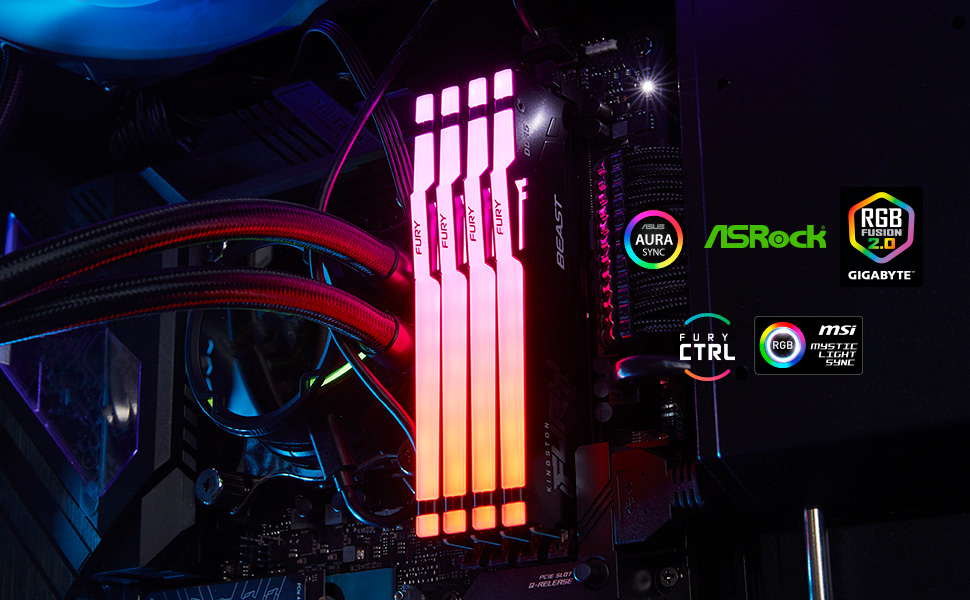
⚡ Light up your performance with Kingston FURY Beast RGB – where speed meets style!
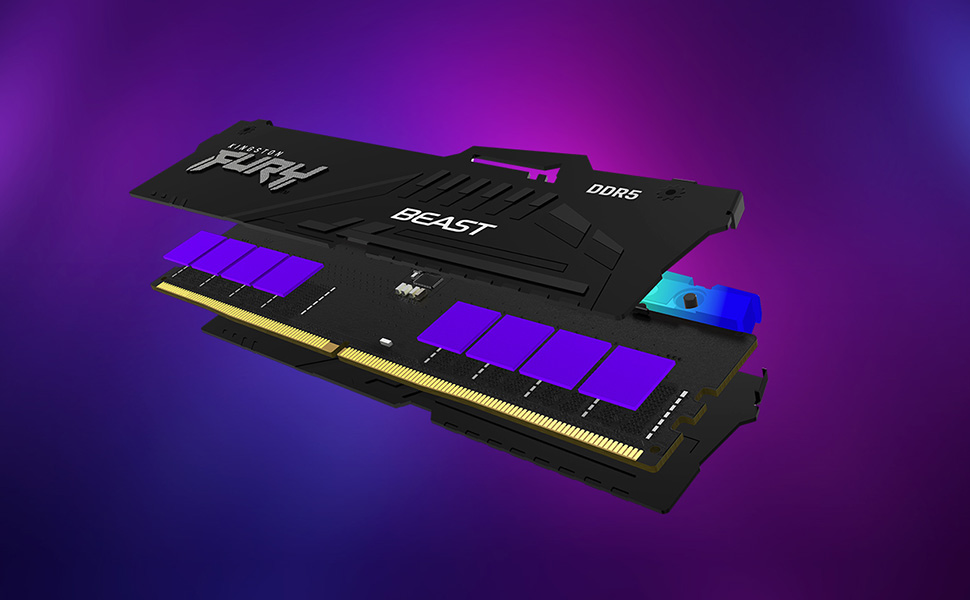
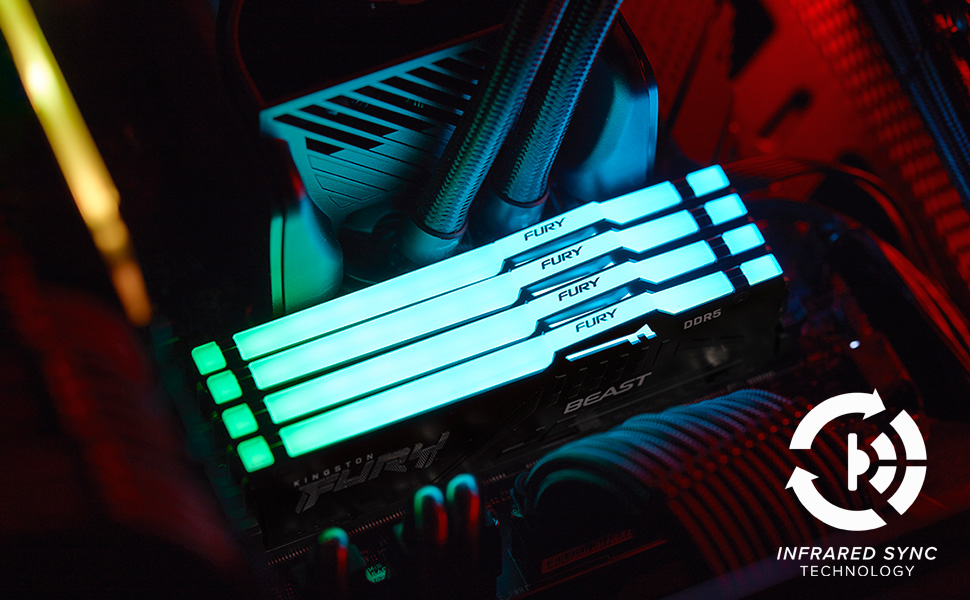
Kingston FURY Beast RGB 64GB (2x32GB) DDR5 memory delivers blazing 6000 MT/s speeds with low CL30 latency, enhanced by patented Infrared Sync RGB lighting. Designed for seamless compatibility with AMD EXPO and Intel XMP 3.0 profiles, it offers plug-and-play overclocking and superior thermal performance via its sleek heat spreaders. Ideal for professionals and gamers seeking stable, high-capacity memory with eye-catching aesthetics.


| ASIN | B0CYM3WCXM |
| Additional Features | Led Lights |
| Best Sellers Rank | #65 in Computer Memory |
| Brand | Kingston |
| Column Address Strobe Latency | CL30 |
| Compatible Devices | Desktop |
| Computer Memory Size | 64 GB |
| Customer Reviews | 4.7 out of 5 stars 501 Reviews |
| Data Transfer Rate | 1000 Megabits Per Second |
| Form Factor | DIMM |
| Global Trade Identification Number | 00740617342819 |
| Item Weight | 4 ounces |
| Manufacturer | Kingston Technology Company, Inc |
| Memory Form Factor | DIMM |
| Memory Generation | DDR5 |
| Memory Speed | 6000 MT/s |
| Mfr Part Number | KF560C30BBEAK2-64 |
| Model Name | FURY Beast |
| Model Number | KF560C30BBEAK2-64 |
| Number of Pins | 288 |
| RAM Memory Technology | DDR5 |
| RAM Size | 64 GB |
| Special Feature | Led Lights |
| UPC | 740617342819 |
| Unit Count | 1.0 Count |
| Voltage | 1.4 Volts |
| Warranty Description | Limited Lifetime Warranty |
L**X
OMEN 35L Gaming Desktop GT16-0044 - Ryzen 7 8700G, B650 Wolant board, Bios version F11
Okay, so after scouring the internet, including YouTube videos, Reddit posts, Amazon reviews of different makes of individual DDR5-6000 Ram, looking to upgrade my Memory on my OMEN 35L Gaming Desktop - GT16-0044 - equipped with a Ryzen 7 8700G, RTX GeForce 4060ti 8GB, and previously 2x8gb Kingston Fury (HP version) DDR5 Ram. At first I was getting mixed information, certain retailers stated that the ram with this machine is 5200 MT/s. CPUz shows the Ram as DDR5-6000 (3000 MHZ). HP Assistant Desktop specs shows DDR5-5600. At first I ordered two 8gb RAM sticks from Kingston to go with the two that were already installed, however when I went into BIOS and selected Expo (1 or 2) it was unstable and would not post or boot, it was registering at a very low speed, like 4800 MT/s, due to the BIOS JEDEC default, and I had zero luck overclocking it using Expo profiles within the BIOS. I returned those two sticks. I read that it is best to just run two sticks of memory instead of four, even though there is four memory slots, it is too much for the memory controller to handle running all four slots. I then ordered these: Kingston Fury Beast RGB 32GB (2x16GB) 6000MT/s DDR5 CL30 Desktop Memory | AMD Expo | Plug N Play | Kit of 2 | KF560C30BBEAK2-32 Obviously, I took the existing two sticks out and hated doing that because I don't want to just set them aside and not use them, but in this case, for me it was worth it. So I inserted the two 16 GB DDR5-6000 sticks and it booted up right away but was showing 5200 MT/s by default in task manager, so I restarted and went into my bios into the advanced options, and selected the Expo 1 Profile showing 6000 MT/s, but again The computer would not boot up, so after powering down and unplugging and then turning back on and resetting several times, I had to take the new Ram sticks out and reinstall the old memory again to get it to boot up. After I was able to get it to boot up I again uninstalled the old memory and installed the new memory, and this time I went into bios, into the advanced menu, and selected Expo Profile 2 (5600 MT/s), I selected save and exit and when the computer rebooted it took a little bit more time but it booted right up and indeed I had 5600 MT/s in task manager. After much more reading I then downloaded and opened up the app Ryzen Master, and on the basic view, on the right hand side, it shows Expo Profile options, and showed Expo as off, even though I just enabled it in BIOS. With that being said, I selected Expo profile one in the AMD Ryzen Master app, and then, at the bottom of the app, I selected "apply and test" This reboots the computer and then when it boots back up, it takes a little bit, you then wait and you let Ryzen Master load on its own again and it will run a stress test to test the memory on the profile that you selected. It passed the test and so I went to task manager to check it and indeed it was now running at 6000 MT/s CL 30. I was extremely happy so I powered down the computer and then started it back up just to make sure it would hold the speed, and it did hold the speed of the memory at 6000 MT/s, and at that time I tested some apps and everything seems to be working very stable. If you have the same PC or you're running a Ryzen processor with a B650 chipset, but you can't get Expo in Bios to work properly, you have to use the AMD Ryzen Master app and enable an Expo profile within the app. So far everything is running extremely stable, also performed a few memory tests and all passed with no errors, and I really hope that this review and information helps someone and saves them the hours and hours of reading and researching as I have done because it just gets more and more complicated. Now I have upgraded my RAM and I'm running on a much better speed with much lower latency and I could not be happier. (I did not have to change any timings, or voltage parameters, or anything else.) 100% reccomended.
P**K
Works great, very well diffused RGB
Excluding the current price of DDR5, this is great RAM. It passed a full MemCheck86 test with zero errors with the out of box EXPO settings. Also, this has the most smoothly diffused RGB I've used yet, and it's wonderful. There are no hotspots where you can identify individual LED elements (looking at you G.Skill. . .).
J**E
I recommend
Couple months ago almost a year ago actually I bought this for my boyfriend and they still work in. They’re easy to install. The speed and capacity are perfect and the colors are beautiful. I think it’s worth the money.
S**.
Perfect
I installed this kit on a new build. Asus Tuf Gaming Z790 Plus Wifi with an i7 14700K. It had no trouble posting. I enabled XMP and everything ran smoothly. The RGB synced nicely with everything else in the system and is colour matched perfectly. I used Cinebench R23 to check the system stability (30 mins) multiple times and it passed with flying colours. The only bad thing is that I should have bought two kits (32Gb) instead of one. Prices have more than doubled now and it is my only regret. But that's on me. I highly recommend this memory kit.
J**Y
Stable
Works great!
A**N
top notch
thankfully bought these before the prices went crazy, great quality ram that ran at advertised speeds on first try. RGB looks great! Paired with 7800x3d on a MAG X870 TOMAHAWK WIFI
S**V
Hynix a-die, very decent set
This is a high-quality product from a well proven supplier and it uses Hynix A-die chips, ones that are currently the best on the market. It started in one click without any issue at all at advertized timings and clocks with my AMD 9800x3d and it can run significantly faster with some manual tweaking. My only problem was RGB lights on the set. The issue is that they are ON by default and while I can customize color (or turn them off), its all back to square one each time I reboot until I run a special utility. That's pretty annoying, RGB should be either off by default or at least. Its typical for all RGB-enabled sets though. Customization-wide you can set any color to 8 addressable LEDs on this RAM, giving you plenty of options once you boot past this default "rainbow" effect
R**.
Works Great!
Perfect! The missing piece I needed.
J**S
10/10
Exactamente lo que compré, completamente nuevo.
م**د
جديد
مضمون الله يجزاه خير
M**K
Parfait !
Malgré le prix de la RAM en cette fin d'année , une offre intéressante et une livraison plus rapide que prévue . Je recommande !
E**R
RAM ddr5 600mbts con un led
Siempre uso Kingston en RAM desde hace, no sé 20 años o más. Estás son muy bonitas con los leds los puedes configurar desde el software de tu placa base. Me gusta.
H**E
Excelente
Funciona muy bien con mi placas asus b850y procesador ryzen 7 7700x.
Trustpilot
4 days ago
5 days ago