๐ Elevate your home WiFi gameโfast, flawless, future-ready!
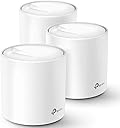
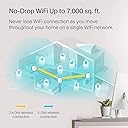
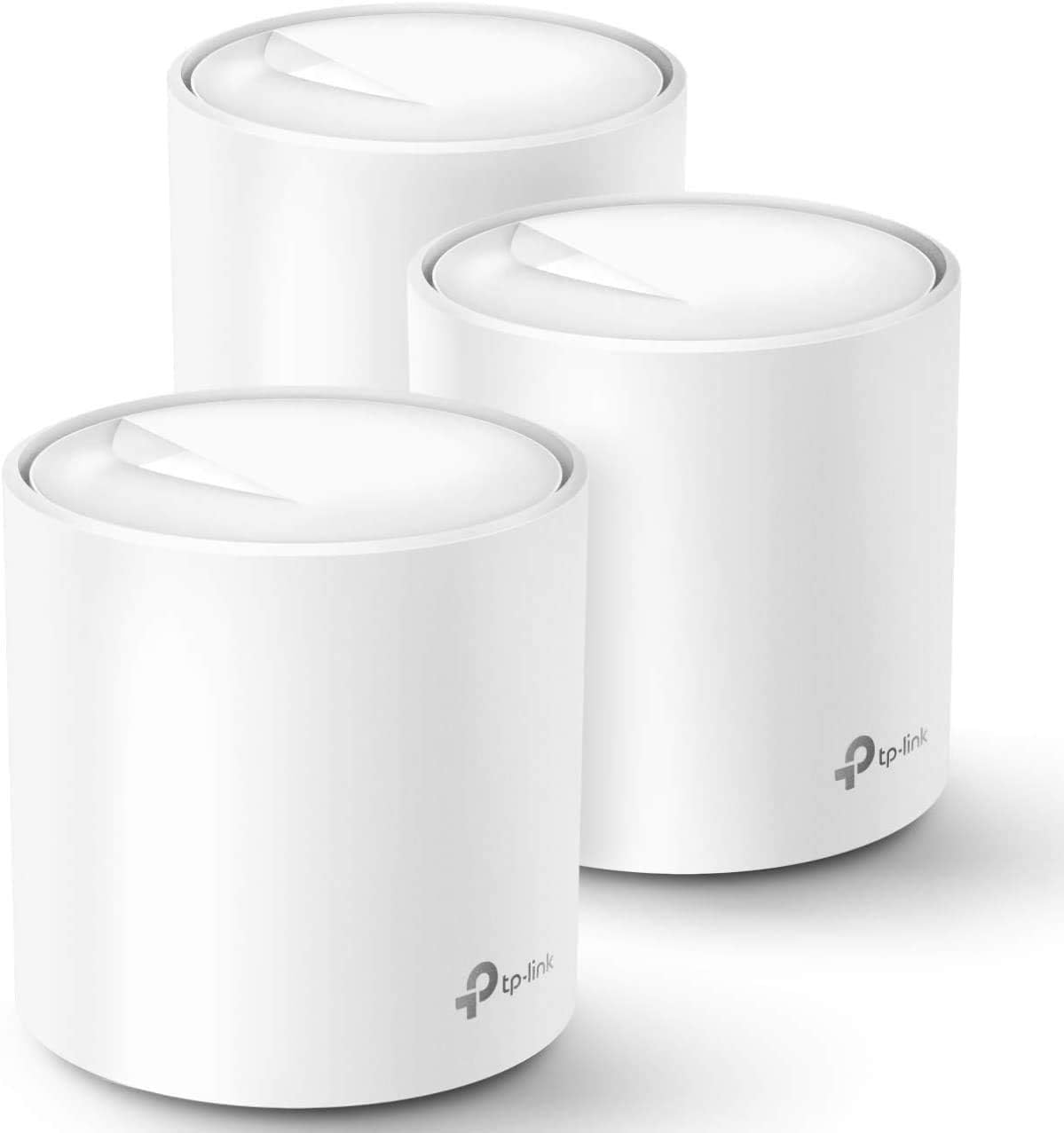
The TP-Link Deco X60 WiFi 6 AX3000 3-pack is a renewed whole-home mesh WiFi system delivering ultra-fast 3 Gbps speeds and expansive 7,000 sq. ft. coverage. Featuring advanced OFDMA and MU-MIMO technology, it supports multiple devices with low latency, ideal for 4K/8K streaming, gaming, and seamless connectivity throughout your home. Equipped with smart network management and VPN capabilities, it ensures a secure, reliable, and high-performance internet experience.
| ASIN | B091T7DHTM |
| Antenna Location | Gaming |
| Antenna Type | Internal |
| Best Sellers Rank | #74,583 in Computers ( See Top 100 in Computers ) #224 in Whole Home & Mesh Wi-Fi Systems |
| Brand | TP-Link |
| Built-In Media | router |
| Color | White |
| Compatible Devices | Personal Computer |
| Compatible devices | Personal Computer |
| Connectivity Protocol | Wi-Fi |
| Connectivity Technology | Wi-Fi |
| Control Method | App |
| Controller Type | Vera |
| Coverage | 7,000 sq. ft. |
| Customer Reviews | 4.4 out of 5 stars 389 Reviews |
| Data Transfer Rate | 3000 Megabits Per Second |
| Frequency | 5 GHz |
| Frequency Band Class | Dual-Band |
| Frequency band class | Dual-Band |
| Is Electric | Yes |
| Is Modem Compatible | No |
| Item Dimensions L x W x H | 11L x 11W x 11.4H centimeters |
| Item Weight | 1.17 Kilograms |
| LAN Port Bandwidth | 3 gigabits per second |
| Manufacturer | TP-Link |
| Maximum Upstream Data Transfer Rate | 3000 Megabits Per Second |
| Mfr Part Number | DecoX60_cr |
| Model Name | Deco X60 |
| Model Number | DecoX60_cr |
| Model name | Deco X60 |
| Number of Antennas | 3 |
| Number of Ports | 4 |
| Operating System | TP-Link OS |
| Other Special Features of the Product | WPS |
| Security Protocol | WPA2-PSK |
| Special features | WPS |
| UPC | 604947767189 |
| Unit Count | 3 Count |
| Wireless Compability | 802.11ax |
| Wireless communication standard | 802.11ax |
T**K
works fine
The X60 works fine as advertised. Setup with the phone app was quick. WiFi and wired connections are solid with no dropouts or freezes. Initial performance was disappointing until I searched and found a forum that advised setting the ISP bandwidth in the More => QOS panel. Setting up my printer was tedious because it had a static IP that was not what Deco wanted and would not mount. I had to factory reset the printer and restart it, then set the static IP from the OS, then delete and re-add the printer in the OS. The US power brick is designed so that plugging it into a desktop UPS is very difficult. The body of the power brick tries to cover several sockets. Wish the plug could rotate.
A**N
Excelente
En mi caso compre un reacondicionado, cambio totalmente la estabilidad de mi internet llega a lugares donde no llegaba y ya contaba con extensor de red. vivo en un departamento donde hay muchos muros de concreto y funciona excelente. muy recomendado. yo compre uno de 3 pero creo que con el de 2 basta
S**N
Excellent and a must-have reliable home WiFi device
Been using it for more than a year. This is an excellent device with reliable home mesh WiFi system. I have had no significant issues since using it. It provides reliable WiFi network for all connected devices. A must have if you WiFi devices in separate rooms and would like control via Google home or Apple home app/ hub.
A**O
Buena experiencia con estos productos
Para ser la segunda vez que compro algo reacondicionado fue una excelente experiencia, esta funcionando al 100% sin problemas, los estuve probando durante 2 semanas para verificar que funcionaran correctamente, estaban bien empaquetados con todos sus cables originales, si duda los volverรญa a comprar
T**.
Ubiquitous Wifi Throughout the House
I waited a few weeks to review this product to assure that there were no glitches. I'm extremely delighted with this product. The TP-Link Deco X60 WiFi 6 AX3000-3 Pack was very easy to install. I used this to replace my Verizon Gig router which caused a number of compatibility issues. I simply powered up the first Deco unit and connected it to the Verizon Ethernet cable. This now became my router. I followed the step by step directions on the app. I entered the Wifi name and ISP provided password and after a few seconds the router was connected to the internet. Then using my cell phone to monitor signal strength from the router I was able to determine where to place the two mesh extension devices. They were auto discovered by the router. I now have excellent signal throughout my 3,000 square foot 2 story house including my garage and most of my back yard. By opting for the factory renewed and certified system I was able to save more the $100 over the price quoted by Best Buy.
Trustpilot
1 day ago
1 month ago