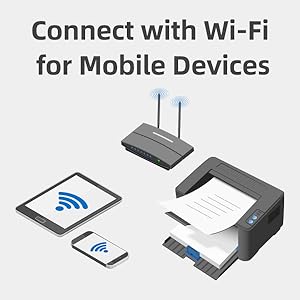
🚀 Elevate Your Office Game with Pantum!
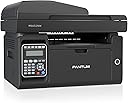
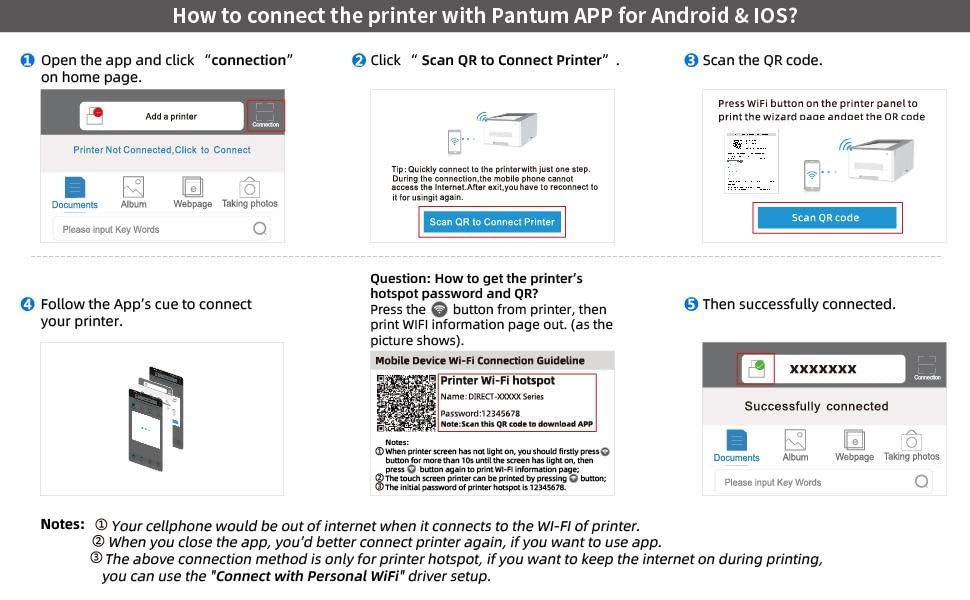
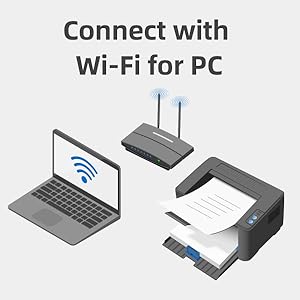
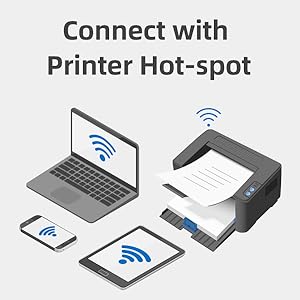
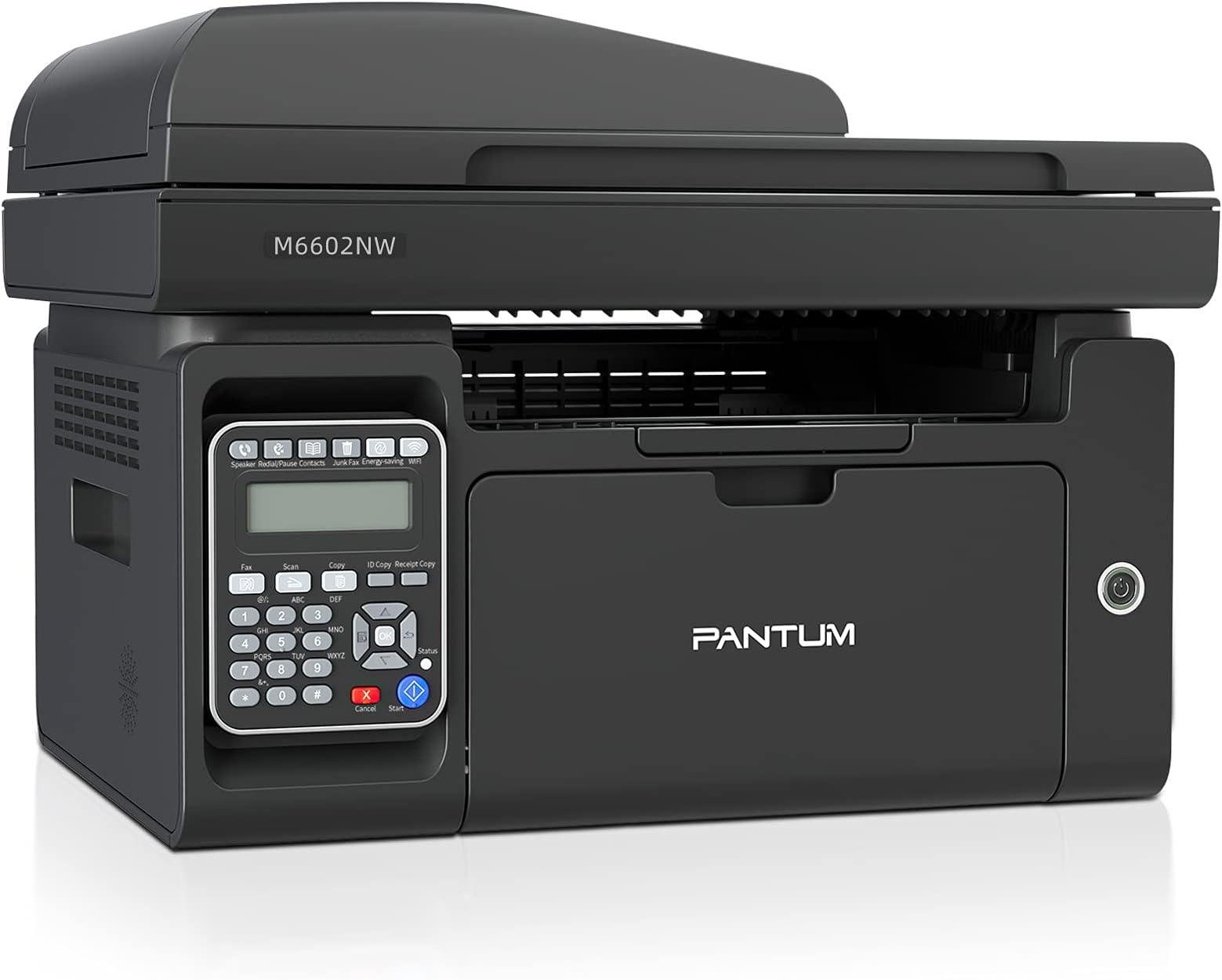
The PANTUM M6602NW is a versatile all-in-one monochrome laser printer that combines printing, copying, scanning, and faxing capabilities. With a fast print speed of up to 22 ppm and a 150-page input capacity, it’s designed for efficiency. The printer supports various media sizes and offers easy wireless installation, making it perfect for modern office environments. Enjoy high-resolution prints and reliable customer support with a 1-year warranty.


| ASIN | B07KZMMPLG |
| Additional Printer Functions | Copy, Fax, Scan |
| B&W Pages per Minute | 23 ppm |
| Best Sellers Rank | #764,440 in Office Products ( See Top 100 in Office Products ) #1,007 in Laser Computer Printers |
| Brand | PANTUM |
| Built-In Media | no |
| Color | Black |
| Compatible Cartridge | RM |
| Compatible Devices | Laptops, PC, Smartphones |
| Connectivity Technology | Ethernet, USB, Wi-Fi |
| Control Method | App |
| Controller Type | Android |
| Customer Reviews | 3.8 out of 5 stars 462 Reviews |
| Dual-sided printing | No |
| Duplex | Manual |
| EU Spare Part Availability Duration | 1 Years |
| Hardware Interface | Ethernet, USB 2.0 |
| Initial Page Print Time | ≤ 10 seconds |
| Ink Color | black |
| Item Dimensions D x W x H | 12.01"D x 16.42"W x 11.85"H |
| Manufacturer | Pantum |
| Maximum Copies Per Run | 500 |
| Maximum Copy Resolution Black and White | 1200 dpi |
| Maximum Copy Speed Black and White | 23 ppm |
| Maximum Media Size | A4 |
| Maximum Print Resolution Black and White | 1200 dpi |
| Maximum Sheet Capacity | 150 |
| Model Name | M6602NW-V7W99B |
| Model Number | M6602NW-V7W99B |
| Model Series | M6602NW |
| Number of Drivers | 2 |
| Number of Ethernet Ports | 1 |
| Number of Trays | 1 |
| Other Special Features of the Product | Network-Ready |
| Output sheet capacity | 150 |
| Paper Size | 8.5 x 11 Inches |
| Print media | Paper (plain) |
| Printer Connectivity Type | Ethernet, USB, Wi-Fi |
| Printer Output Type | Monochrome |
| Printer Type | Laser |
| Printing Technology | Laser |
| Processor Count | 1 |
| Resolution | 1200 x 1200 |
| Scanner Type | Sheetfed |
| Series Number | 6602 |
| Special Feature | Network-Ready |
| Specific Uses For Product | Home use, SOHO, SMB, office |
| Total USB 2.0 Ports | 1 |
| Total Usb Ports | 1 |
| Warranty Description | 1-year standard warranty from the date of purchase |
| Warranty Type | [LIKELY] Limited Warranty |
A**R
Very Pleased with this printer.
I needed an inexpensive all in one laser printer that didn't require color. I looked at a lot of models and this one answered in all categories. It was simple to setup and a third of the size of my old Canon. Print quality is excellent. I needed to download latest drivers and googled PANTUM drivers and it took me to their website where I easily downloaded the new drivers. The price was better than anything comparable.
R**B
Love it
This thing is perfect, I don't use it commercially so time will tell on its longevity but it seems well built. I wanted a printer, scanner and copper for home use and more importantly one that I can print and scan documents to and from my cell phone. This thing works perfectly and I thought the directions were pretty easy to follow
K**T
Easier instructions And a text service you can talk to on the phone
I like the way the printer is but it's hard to say it's hard to set up you can't get it connected to other your phone get connected to your phone like it said it's supposed to do is it weird to get it connected to the Wi-Fi it's the Wi-Fi and instructions they give you an instruction state gives you that matters why I'm not sending them cause they don't send them cause they don't tell you anything
D**T
The worst setup instructions I have ever encountered.
I have been using computers and printers (ever since dot matrix ones) for many years and have never encountered such confusing, instructions. Instead of pictures, it would be nice to have the step-by-step procedure written in some language I can understand, such as English. The first few steps are simple enough, but then just looking at the instructions for setting up wi-fi are so complicated, that I would not even want to bother undertaking the process. Computers used to come with instructions actually printed in paper booklets, but now it nothing but pictures, and they are not even clear enough so one can find what they are supposed to show. I am old-school and prefer to read rather than look at comic book instructions. I tried the DVD that came with it, and the manual was no more helpful. I have set up several all-purpose printers including Brother, Epson and others which can be done in very short order. This thing looks like it would take the better part of one day to setup, and then more to learn how to use it. It is totally unituitive. and I don't have the time to waste fooling around with it. Time is money It is almost all plastic, and does not seem that sturdy either. It is a big disappointment as it looked good on the Amazon page, but it is kind of cheesy. I can say it was well-packed, but that is about all. I am going back to Brother, as the last one I had lasted for some nine years. I will return this item.
J**M
Great, easy printer for my elderly father
Had a little trouble locating the ink but once we did, setup was quick and easy. So far, it’s given my dad no problems and I couldn’t be happier. No more calls from him re printer problems.
D**5
This printer
Took forever to get this setup. I was trying to setup with a Mac and was just about to call support when my daughter-in-law decided to use her PC to see if it would setup easier. Boom! It was setup in minutes. Once we got through setup everything else was a breeze. It prints great and seems like a nice laser printer. Not sure if I will purchase another one in the brand because of the setup problems. Nice looking printer though.
E**S
Chinnese made
I had never heard of this brand but I thought I would give it a chance because I knew Amazon would stand behind it. I'm glad I did because it works great.2 drawbacks, 1. Can't figure out how to change out the ink cartilages 2. It starts a little slow in the warm up. I would buy it again.
I**H
Couldn’t connect to WiFi
Looks like a great printer. But we could not get it to connect to WiFi. Called and talked with customer service, which was very difficult to contact, and they could not resolve the issue.
E**A
Ottima
B/N ma così la volevo. Ottima la funzionalità dal cellulare ci stampo e scannerizzo tutto.
Trustpilot
5 days ago
3 weeks ago